· Tutorials · 3 min read
How to Install SnapVade on Android
Bypass restriction and unlock offline playback. A complete step-by-step guide to safely installing the SnapVade APK on Android 15 and older.

The Problem with Play Store Downloaders
If you have searched the Google Play Store for a video downloader, you likely found apps that are filled with ads, require subscriptions, or—most critically—block you from downloading content from major platforms like YouTube and Instagram.
This is not a technical limitation; it is a policy restriction. To comply with store guidelines, standard apps must cripple their own functionality.
SnapVade operates differently. By distributing the app directly as an APK (Android Package Kit), we provide a utility that is unrestricted, free, and capable of pulling 4K media from over 1000+ sites. This guide details exactly how to install SnapVade on your Android device safely.
Step-by-Step Installation Guide
Installing SnapVade takes less than two minutes. Because the app is not on the Play Store, you must authorize your device to install software from “Unknown Sources.”
1. Enable Installation Privileges
Android security blocks external app installations by default. You need to grant permission for the installation to proceed.
- Open your device Settings.
- Navigate to Security (on some devices: Biometrics and security or Apps & notifications).
- Find Install unknown apps or Unknown sources.
- Toggle the switch to ON or select your browser (e.g., Chrome) and choose Allow from this source.
2. Download the Official APK
Always ensure you are downloading the installer from the official SnapVade website to guarantee the file is free from malware.
- Open your mobile browser.
- Tap the Download SnapVade button below.
- You will see a system prompt warning that the file type can harm your device. This is a generic Android warning for all APK files. Tap Download Anyway to proceed.
3. Install the Application
Once the file has finished downloading:
- Pull down your notification shade and tap the
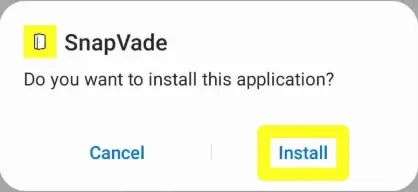
SnapVade.apkfile, or locate it in your device’s Downloads folder. - Tap Install when the system prompt appears.
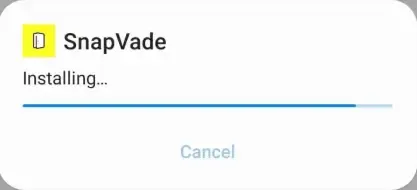
- Wait for the installation bar to complete.
4. Launch and Configure
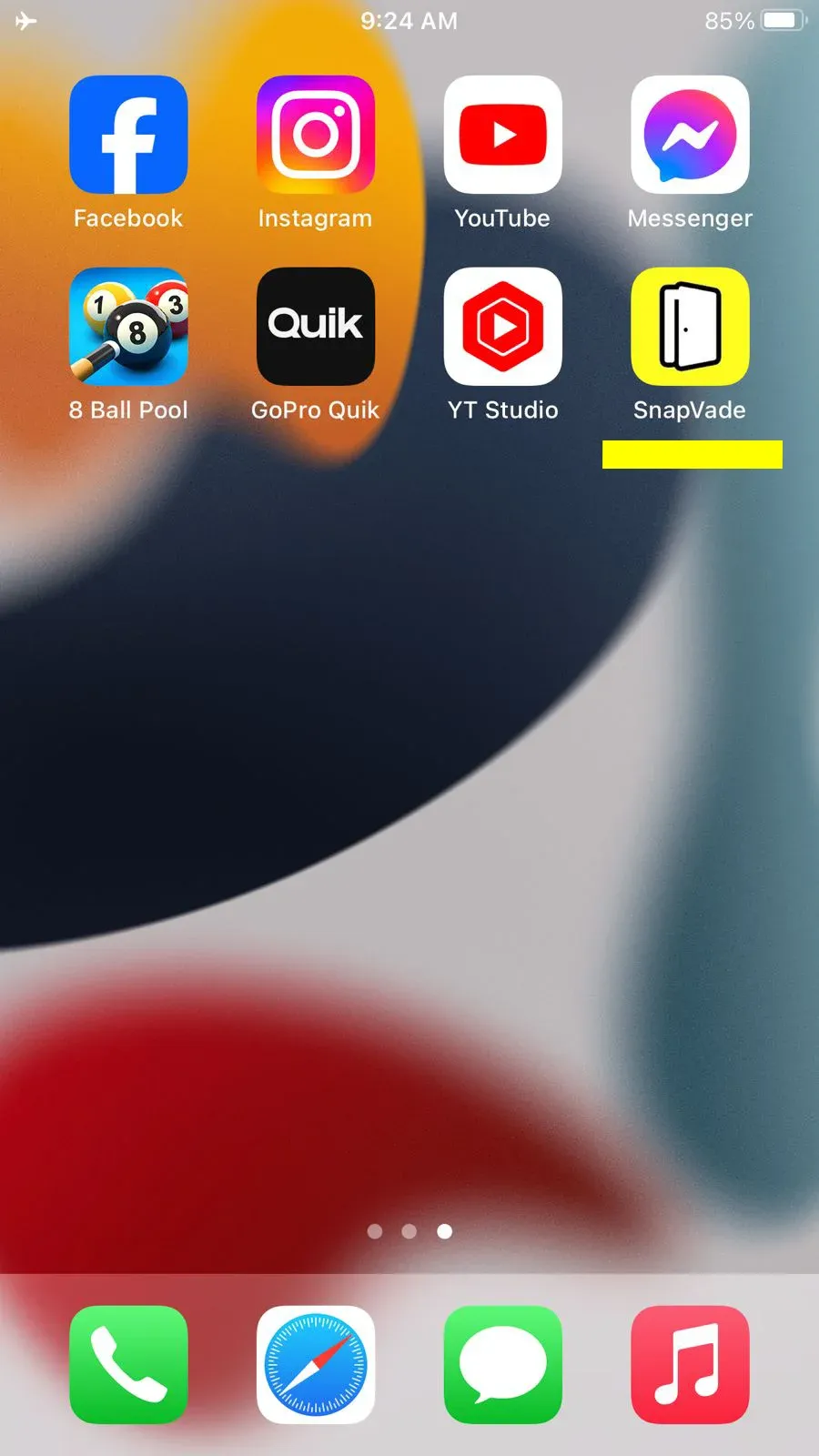
After installation, you will see the SnapVade icon on your home screen or in your app drawer.
Tap the icon to launch the app. You can now paste video URLs directly into the search bar or use the integrated browser to navigate to your favorite social sites.
Video Tutorial
System Requirements
SnapVade is optimized for performance across a wide range of Android hardware, from older devices to the latest flagships running Android 16 Beta.
| Specification | Requirement |
|---|---|
| Operating System | Android 5.1 (Lollipop) or higher |
| Minimum RAM | 2 GB |
| Storage Space | 100 MB free space (recommended for cache) |
| Internet | Wi-Fi or 4G/5G for high-speed downloads |
Safety and Security FAQ
We understand that installing apps outside the Play Store can raise questions. Here are the facts regarding SnapVade’s security architecture.
Is SnapVade a virus?
No. SnapVade is a legitimate media utility. The “harmful file” warning you see during download is a standard Android message triggered by any APK file downloaded via a browser, regardless of its content. As long as you download from the official SnapVade site, the file is secure.
Is it free?
Yes. SnapVade allows for unlimited downloads, 4K resolution support, and batch processing without any subscription fees.
Will it track my data?
SnapVade operates with a strict privacy-first policy. We do not log your personal browsing history, track your downloads, or sell user data to third parties.
Start Archiving Today
Don’t let platform restrictions dictate how you access media. Install SnapVade and build your offline library.